Arctic Drive Tools Hub
Controls, specs, and a practical checklist before you drive into Early Access.
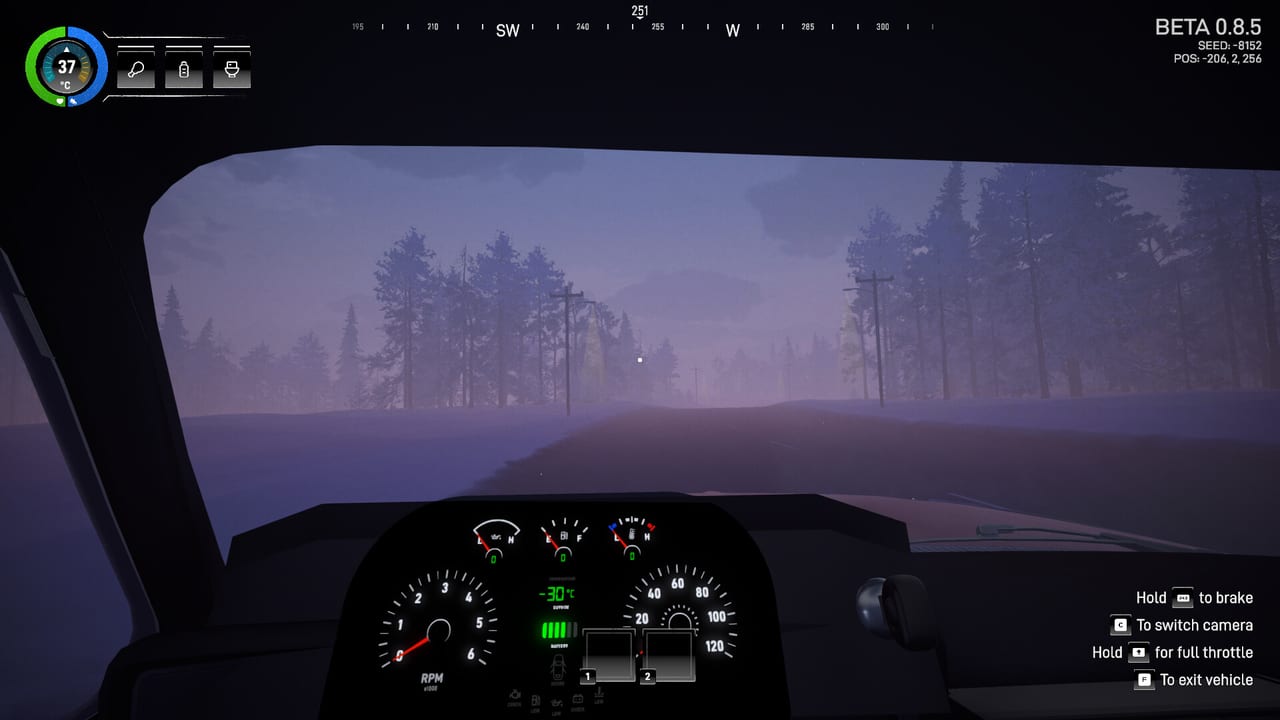
The Tools Hub is your pre-flight rack for Arctic Drive. Before you burn a night on the procedural ice, confirm your binds, prove your PC (or Xbox plan) can hold a stable session, and run a short checklist so the first blizzard is about weather—not missing drivers or unread patch notes.
Child pages:
- Controls — keyboard, mouse, controller notes, QoL toggles from demo and playtest patches
- System Requirements — minimum and recommended PC specs, storage, platforms
When you are ready to play, continue into Getting Started, the Co-op Hub, and the Vehicles Hub.
Why a tools section exists
Arctic Drive is a first-person co-op driving survival sim. That mix stresses three layers at once:
- Input clarity — ignition, gears, crouch, cargo place, zoom, and cameras must be muscle memory before whiteouts.
- Hardware headroom — snow, vehicles, trailers, and 1–4 player networking punish underpowered rigs.
- Session prep — host choice, Discord LFG, demo practice, and fuel/heat habits beat blind EA purchases.
Skipping any layer creates “the game feels bad” reports that are really bind confusion or thermal throttling.
Early Access prep checklist
Use this list the week of November 25, 2026 (and anytime you onboard a friend):
Account and platforms
- Steam client updated; Arctic Drive (app 4009490) wishlisted or owned.
- Xbox plan confirmed if that is your platform for EA.
- Discord installed; joined via the Links Hub invite for LFG and patch pings.
- Friends list aligned on who hosts (see Co-op Hub).
Hardware and installs
- Compare your PC to System Requirements (min vs recommended).
- Free at least 15 GB plus scratch space for updates.
- GPU drivers current; verify DirectX 11 path on Windows 10/11 64-bit.
- Wired network preferred for co-op; broadband required per Steam specs.
- Headset tested for proximity voice.
Controls and accessibility
- Read Controls end to end once.
- Set crouch toggle preference if you hate hold-to-crouch in long POI sweeps.
- Note imperial units toggle if you think in miles and Fahrenheit.
- Practice right-click zoom and third-person camera in a safe lot.
- Confirm G cargo place and mouse ignition/gear habits.
- Controller users: verify support level for your pad after the latest patch.
Skills from the free demo
- Finish at least one demo scenario loop: heat, fuel, hitch thinking.
- Practice a trailer attach without panic.
- Drive once overloaded on purpose, then unload—feel the weight.
- Survive one night without ego shortcuts.
Knowledge bookmarks
- Roadmap — know Into the Cold vs Full Throttle expectations.
- Vehicle Builds — heater-first loadouts.
- Party Roles — name jobs before launch.
- Survive the Cold — temperature discipline.
- Co-op Tips — wipe recovery habits.
Suggested first-hour tool path
- Specs check → install → Discord.
- Controls page → rebind what fights your hands.
- Demo or EA tutorial → do not skip heat lessons.
- Pick a vehicle role from the Vehicles Hub.
- If co-op, assign roles from Party Roles.
- Only then chase long-distance glory.
Patch awareness
Demo and beta patches added QoL that belongs in your mental model: Buck Warden 4WD, pickup horn and transport box, imperial units, crouch toggle, right-click zoom, third-person controls, trailer crafting fuel rules, and four-player seating fixes. After each Steam news drop, revisit Controls and the Updates Hub so your checklist stays honest.
Related hubs
- Guides Hub — how to play
- Updates Hub — what changed
- Links Hub — official destinations
- Co-op Hub — lobby structure
Tools will not melt the ice for you. They will keep the failure mode outside your control—weather, not “I never bound crouch.”
Frequently Asked Questions
Quick answers about Arctic Drive survival, co-op, and Early Access.
What pages are under the Tools Hub?
Controls and System Requirements. Use this hub page for the Early Access prep checklist that ties both together.
Should I play the demo before Early Access?
Yes. The free Steam demo is the fastest way to validate controls, cold pressure, trailer habits, and co-op networking on your setup.
How much storage does Arctic Drive need?
Steam lists 15 GB available space for both minimum and recommended PC specs. Leave extra room for patches.
Where do I find official download links?
Use the Links Hub for Steam, the official site, Discord, and publisher press materials.