Arctic Drive Controls
Keyboard, mouse, and controller notes that keep you moving when the whiteout hits.
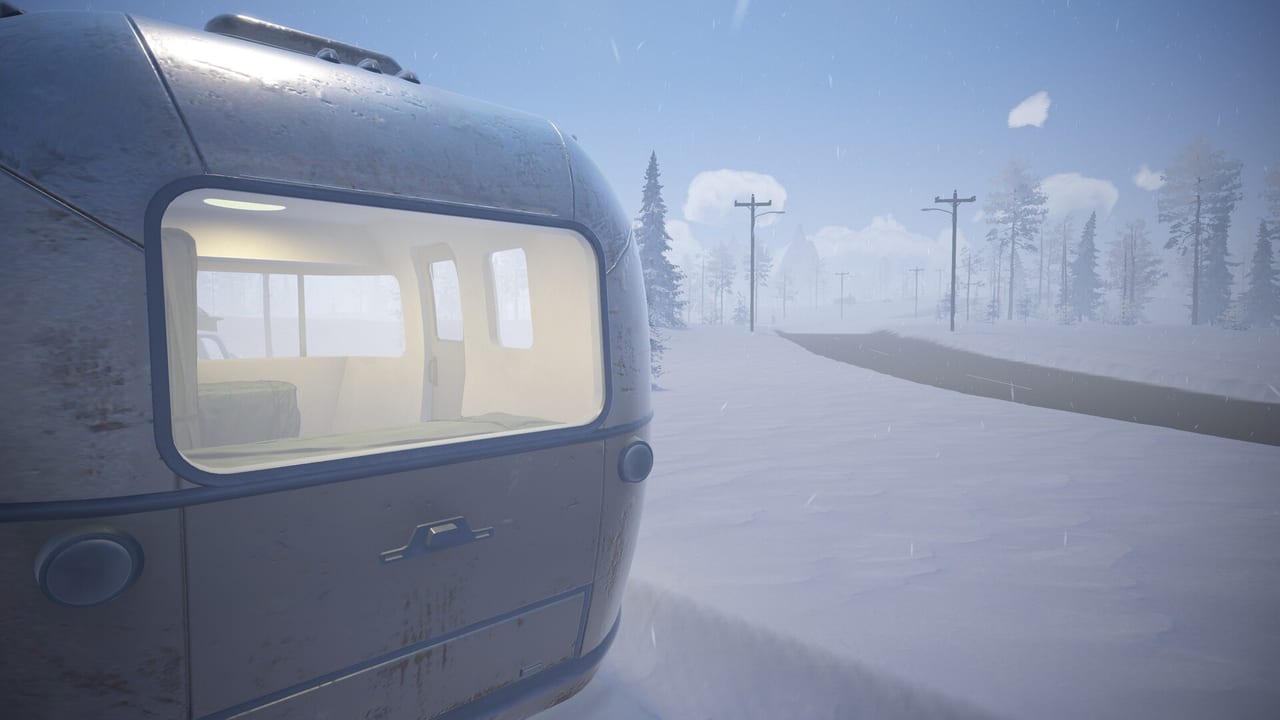
Arctic Drive asks your hands to drive, loot, place physical cargo, and manage a cabin that is also your base. This page collects keyboard and mouse defaults, notable settings toggles, and controller notes drawn from demo and playtest reporting. Always re-check in-game settings after a patch—binds can gain options even when the core loop stays the same.
New players should pair this page with Getting Started and the Tools Hub checklist. Co-op lobbies should agree on callouts from the Co-op Hub.
Core movement and interaction (PC)
| Action | Typical binding | Notes |
|---|---|---|
| Move | WASD | First-person on foot and as the baseline locomotion language |
| Look / aim camera | Mouse | Also used for ignition and gear interactions in cabin |
| Crouch | Ctrl | Hold by default; see crouch toggle below |
| Place cargo | G | Critical—cargo is physical; place, do not pray |
| Pause (solo) | Escape | Clean break when you are alone in the storm |
| Interact / use | Context (in-game prompt) | Doors, benches, seats, world objects |
Memorize G early. The fantasy of lifting anything you can carry collapses if crates end up blocking seats, doors, or the trailer hatch.
Driving cabin habits
Arctic Drive leans on mouse-driven ignition and gear interactions inside the vehicle rather than abstract “press F to start” magic alone. Build a ritual:
- Seat check—especially in four-player Renos after seating fixes.
- Ignition and gear verification before you creep out of the garage.
- Camera choice for the road ahead (first person immersion vs third person awareness).
- Fuel and heater glance before committing to a long whiteout push.
Passengers should know how to stay useful: zoom calls, temperature watches, and not fighting the driver for the same cabin interaction.
Quality-of-life toggles from patches
Mid-2026 playtest and demo patches added several settings worth configuring on day one:
Crouch toggle
A crouch toggle setting lets you avoid holding Ctrl through long interior sweeps. Enable it if POI looting wrecks your left hand. Disable it if you prefer momentary crouch for quick cover behind wrecks.
Imperial units toggle
An imperial units toggle helps players who think in miles and related units. Survival games become needlessly hostile when every distance call requires mental conversion mid-blizzard. Pick the unit system your whole co-op lobby understands.
Right-click zoom
Right-click zoom works while driving or riding as a passenger. Use it to read road edges, trailer swing, and POI approach angles when snow deletes contrast. Navigators should live on this input.
Third-person camera controls
Third-person camera controls were expanded so you can understand vehicle bulk, hitch geometry, and nearby players. Swap views when:
- Hitching or unhitching a trailer.
- Judging whether the bed is overstacked.
- Reversing near cliffs or cabin walls.
- Teaching a new driver spatial size.
Return to first person when immersion and dashboard reading matter more than clearance.
Horn (pickup)
Pickups gained a working horn. In co-op, the horn is a backup language when proximity voice drops or someone is deep inside a POI. Agree on simple codes: one honk = return, two = danger, long = do not drive off yet.
Cargo placement discipline
Because everything is physical:
- Approach the load bed or trailer with a clear plan.
- Press G to place; adjust until doors and seats remain usable.
- Prefer boxes and shelves when recipes allow.
- Recheck handling after big loots—weight is real.
- Keep “tonight survival” crates separable from scrap bulk.
Details on weight versus storage live in Vehicle Builds.
Controller notes
Roadmap and beta messaging call out full controller support as a Roadtrip-era goal, with wheel support and broader console work tied to Early Access plans. Practical advice for pad players:
- Confirm your controller is detected before hosting a four-player night.
- Map or learn camera swap and zoom equivalents—navigators on pads need equal tools.
- Test driving assist feel on ice; polar roads punish oversteer differently than arcade racers.
- On Xbox EA, expect pad-first design pressure to keep improving after November 25, 2026.
If a patch lists controller fixes, retest hitching and menu navigation—those are the usual pain points in vehicle survival games.
Co-op control agreements
Before the first drive, say out loud:
- Who may touch ignition.
- Who is allowed to rearrange cargo.
- Whether crouch toggle is on for everyone.
- Horn codes if you run a pickup.
- Who calls camera/zoom for tight trails (usually navigator).
Shared binds reduce “I thought you parked” disasters. Role language is in Party Roles.
Practice drills (ten minutes)
- Crouch through a tight garage path with your chosen toggle mode.
- Load three crates with G, drive 100 meters, unload.
- Hitch awareness in third person, then drive in first person.
- Right-click zoom on a distant cabin silhouette.
- Pause with Escape in solo and resume without losing your mental fuel count.
Troubleshooting “it feels wrong”
| Symptom | Try this |
|---|---|
| Cannot find items in cabin chaos | Slow down; use G placements and boxes |
| Motion sick in first person | Third person on trails; lower sensitivity |
| Friends cannot hear you | Headset check; move closer (proximity voice) |
| Truck feels sluggish | Unload weight; see builds guide |
| Menus fight your pad | Retest after controller patches; verify defaults |
Related pages
- Tools Hub — full EA checklist
- System Requirements — PC specs
- Getting Started — first-hour guide
- Co-op Tips — session habits
- Updates Hub — patch-added QoL
Controls mastery will not refill an empty tank—but it will let you spend attention on the storm instead of the keybind screen.
Frequently Asked Questions
Quick answers about Arctic Drive survival, co-op, and Early Access.
How do I place cargo in Arctic Drive?
Use G to place physical cargo. Stack thoughtfully so seats, doors, and trailer access stay clear, and remember weight changes handling.
Is there a crouch toggle?
Yes. Playtest patches added a crouch toggle setting so you are not forced to hold Ctrl during long interior looting.
What is right-click zoom for?
Right-click zoom helps drivers and passengers read the road and POIs during snow and whiteouts. It works while driving or riding.
Does Arctic Drive support controllers?
Controller support has been a roadmap focus since the Roadtrip beta phase, with further platform and wheel work planned around Early Access. Verify your pad on the build you own after each patch.