Arctic Drive System Requirements
Minimum vs recommended PC specs, storage, and platform notes for Early Access.
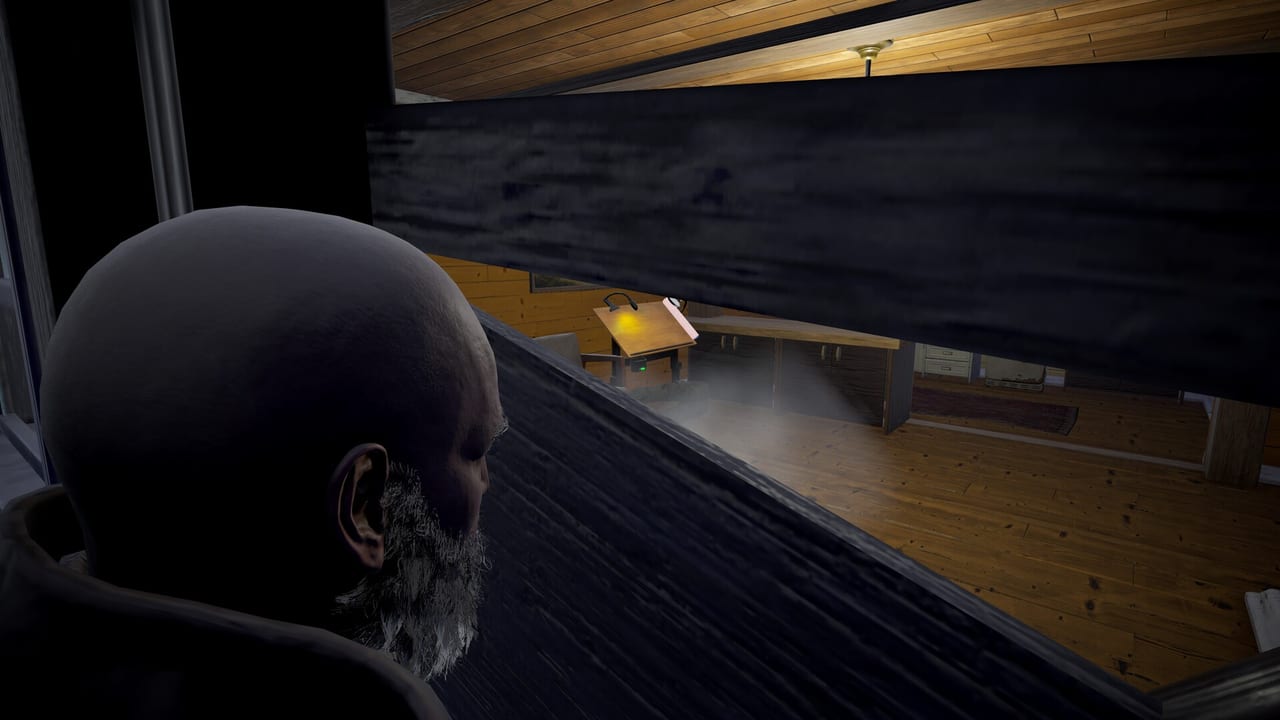
Arctic Drive is a first-person co-op driving survival game with procedural snow, physical cargo, vehicle damage, and online sessions for up to four players. That mix needs honest hardware expectations. This page mirrors the Steam PC system requirements, calls out Xbox Early Access, and offers practical tips so your first blizzard is limited by weather—not frame time.
Official store listing: Arctic Drive on Steam. Prep checklist: Tools Hub. Controls once you can boot: Controls.
Platforms
| Platform | Status |
|---|---|
| PC (Windows) via Steam | Early Access November 25, 2026; free demo available pre-launch |
| Xbox | Early Access in the same November 25, 2026 window per official press |
Steam app ID: 4009490. Developers: Pebbles Games and PlayTogether Studio. Publisher: Bonus Stage Publishing.
Broadband internet is listed on PC requirements because co-op networking is part of the design—even if you mostly play solo, keep a stable connection for updates and any online features your build uses.
Minimum PC specifications
These are the Steam minimum specs. Expect to lower settings, accept hitching in dense snow or four-player sessions, and avoid stacking every graphical luxury.
| Component | Minimum |
|---|---|
| OS | Windows 10/11 (64-bit) |
| Processor | Intel Core i5-6600 @ 3.1 GHz or AMD Ryzen 5 1600X @ 3.5 GHz (or equivalent) |
| Memory | 4 GB RAM |
| Graphics | NVIDIA GeForce GTX 1650 or equivalent |
| DirectX | Version 11 |
| Network | Broadband Internet connection |
| Storage | 15 GB available space |
Reality check for minimum rigs: 4 GB RAM is tight for modern Windows plus a 3D co-op sim. Close browsers and overlays. Prefer 1080p with reduced shadows and effects. Host or join smaller parties when possible.
Recommended PC specifications
Steam recommended specs target a healthier Early Access experience—especially with trailers, storms, and multiplayer.
| Component | Recommended |
|---|---|
| OS | Windows 10/11 (64-bit) |
| Processor | Intel Core i5-10400 @ 3.1 GHz or AMD Ryzen 5 2600X @ 3.1 GHz |
| Memory | 8 GB RAM |
| Graphics | NVIDIA GeForce RTX 3060 or equivalent |
| DirectX | Version 11 |
| Network | Broadband Internet connection |
| Storage | 15 GB available space |
If you sit between minimum and recommended, bias toward more RAM and a stable GPU driver before chasing resolution. Co-op plus snow plus vehicle physics tends to hurt when memory is paging.
Storage planning
Both min and recommended lists cite 15 GB available space. Leave extra headroom for:
- Steam patch deltas during the under-a-year EA window.
- Shader caches and crash dumps.
- Recording software if you stream road trips.
SSD installs improve hitching when streaming procedural assets and POIs, even though Steam does not hard-require an SSD in the table above.
Xbox Early Access notes
Xbox EA shares the November 25, 2026 launch window. Console players should:
- Confirm the exact Xbox store listing on launch day.
- Expect pad-first iteration as EA continues (roadmap language includes console support work).
- Use Discord LFG to match with PC or console friends as cross-play details evolve—verify current patch notes rather than assuming feature parity on day one.
Performance tips for snowy co-op
- Cap party size on weak CPUs — four players plus trailers costs more than solo.
- Lower shadows and volumetric effects first when blizzards tank FPS.
- Keep GPU drivers current after major EA patches.
- Wire up when you can; Wi-Fi plus proximity voice plus host migration drama is a bad mix.
- Close RGB suites and heavy overlays on 4–8 GB RAM machines.
- Host on the strongest upload machine when possible (Co-op Hub).
- Re-test after patches — demo notes repeatedly touched networking and world generation.
Demo as a hardware bench
The free Steam demo is the best benchmark you will get before buying. Run:
- A night drive in heavy snow.
- A trailer hitch and short haul.
- A two-to-four player lobby if that is your plan.
If the demo already stutters hard on minimum settings, wait for optimization patches or upgrade RAM/GPU before committing to long EA sessions. Roadmap expectations: Roadmap.
How specs interact with gameplay systems
Arctic Drive is not a lightweight arcade racer. Budget headroom for:
- Procedural terrain and weather (blizzards, whiteouts, tornadoes in pre-EA messaging).
- Physical cargo stacks that add collision complexity.
- Simulated vehicle damage and part interactions.
- Trailer interiors with benches, heaters, and storage.
- Voice chat alongside simulation ticks.
That is why recommended memory and GPU sit a tier above the absolute minimum.
Related tools and links
- Tools Hub — EA prep checklist
- Controls — binds and toggles
- Getting Started — first-hour play guide
- Updates Hub — patch performance notes
- Links Hub — official site, Discord, socials
- External: Steam store page
Meet the recommended line when you can. If you are on minimum hardware, play smarter sessions—smaller lobbies, lower settings, shorter loops—and still respect the cold.
Frequently Asked Questions
Quick answers about Arctic Drive survival, co-op, and Early Access.
What are the minimum specs for Arctic Drive on PC?
Windows 10/11 64-bit, Intel i5-6600 or AMD Ryzen 5 1600X, 4 GB RAM, GTX 1650 or equivalent, DirectX 11, broadband, and 15 GB storage.
What are the recommended specs?
Windows 10/11 64-bit, Intel i5-10400 or AMD Ryzen 5 2600X, 8 GB RAM, RTX 3060 or equivalent, DirectX 11, broadband, and 15 GB storage.
Is Arctic Drive coming to Xbox?
Yes. Official press places Xbox Early Access in the same November 25, 2026 window as Steam Early Access.
Where can I verify the latest requirements?
Always confirm on the official Steam page for app 4009490, linked above, because EA patches can update store text over time.